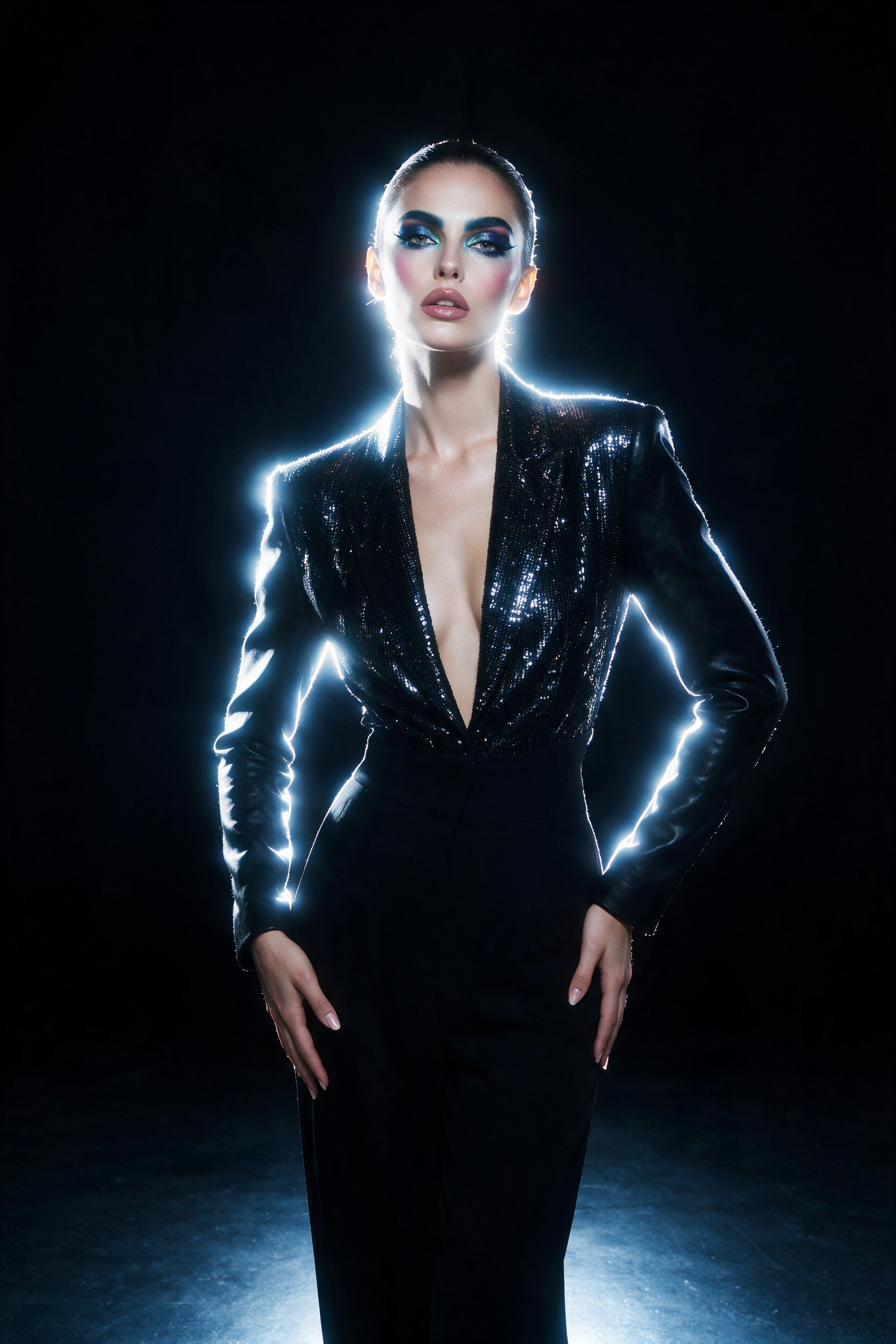
About Seedream 5.0 Pro
ByteDance Seedream 5.0 Pro is an image generation and editing model built for precise, region-level control and professional design work. It generates images from a text prompt and performs single-image and multi-reference editing (recolor, material swap, object replacement, multi-image fusion), with native multilingual text rendering across more than 10 languages and strong layout reasoning for text-dense compositions.
Each request returns a single image at up to 2K (2048x2048) across a range of aspect ratios, and up to 10 reference images can guide an edit.
Ready to build with Seedream 5.0 Pro?
Try Seedream 5.0 Pro in the Workbench to prompt it, compare outputs, and iterate on prompts without writing any code. When you're ready to ship, call the same model from our API and build your own apps on top of it.
curl -sSf -X POST https://hub.oxen.ai/api/ai/images/edit \
    -H "Content-Type: application/json" \
    -H "Authorization: Bearer $OXEN_API_KEY" \
    -d '{
  "model": "bytedance-seedream-5-pro",
  "prompt": "A cat sitting on a chair",
  "aspect_ratio": "1:1",
  "size": "2K",
  "output_format": "png",
  "watermark": false
}'Request parameters
Every field Seedream 5.0 Pro accepts in the request body. See the API reference for response formats.
https://hub.oxen.ai/api/ai/images/edit| Field | Type | Required | Default | Description |
|---|---|---|---|---|
prompt | string | Yes | — | Text prompt for image generation, or the instruction for editing the input images. Use @Image1, @Image2, etc. to reference the input images. |
input_image | array<string> | No | — | Optional reference image URLs for image-to-image editing. Provide one image for single-image editing or multiple for multi-reference fusion; reference them in the prompt as @Image1, @Image2, etc. Up to 10 images. |
aspect_ratio | string | No | "1:1" | 1:14:33:416:99:163:22:321:9 |
size | string | No | "2K" | Resolution level. Combined with the aspect ratio to set the output dimensions.1K2K |
output_format | string | No | "png" | Output image format.pngjpeg |
watermark | boolean | No | false | Whether to add an 'AI generated' watermark. |