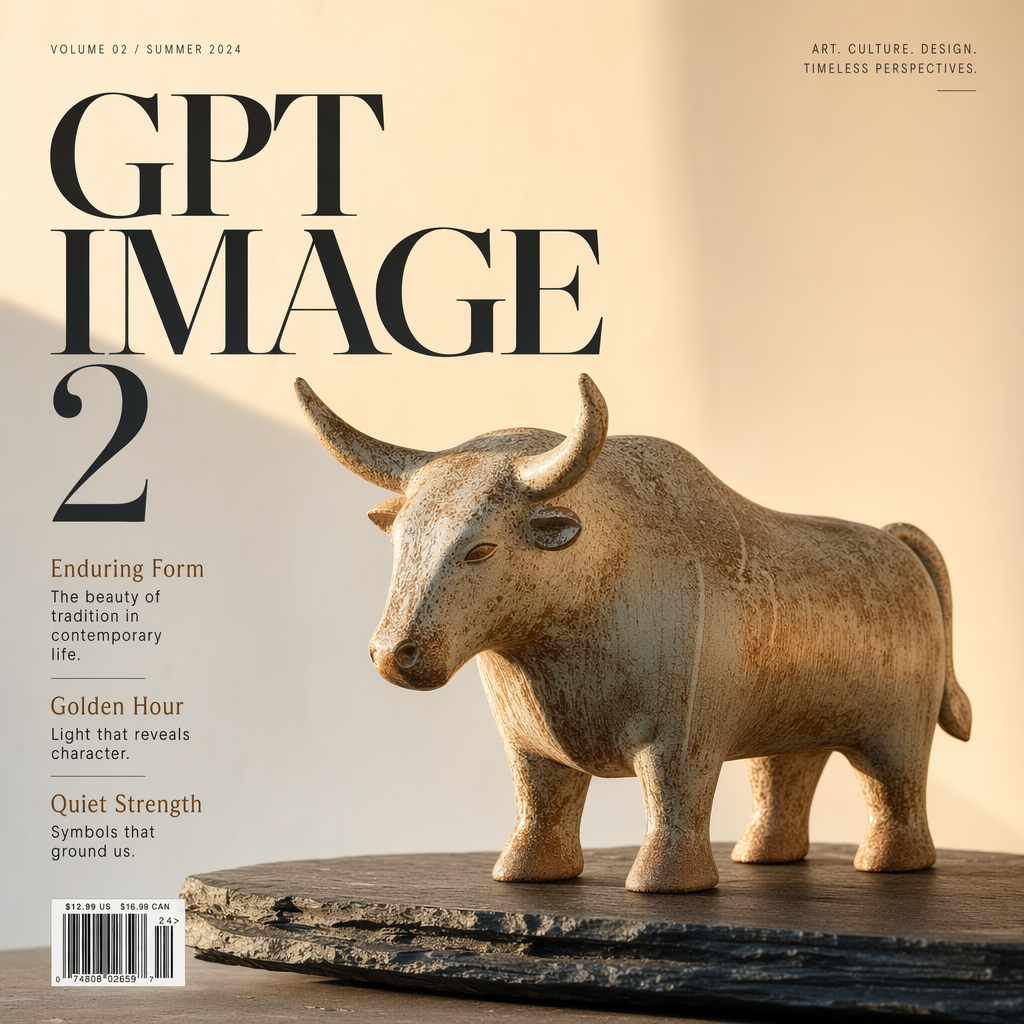
About GPT Image 2
GPT Image 2 is OpenAI's image generation model, the successor to GPT Image 1.5. It produces photorealistic images with strong prompt adherence, pixel-perfect text rendering, and accurate handling of dense or multilingual layouts, making it suitable for infographics, UI mockups, product photography, and architectural visualization. It handles both generation from text and reference-image editing.
See what this model can do
A handful of real prompts and their outputs.
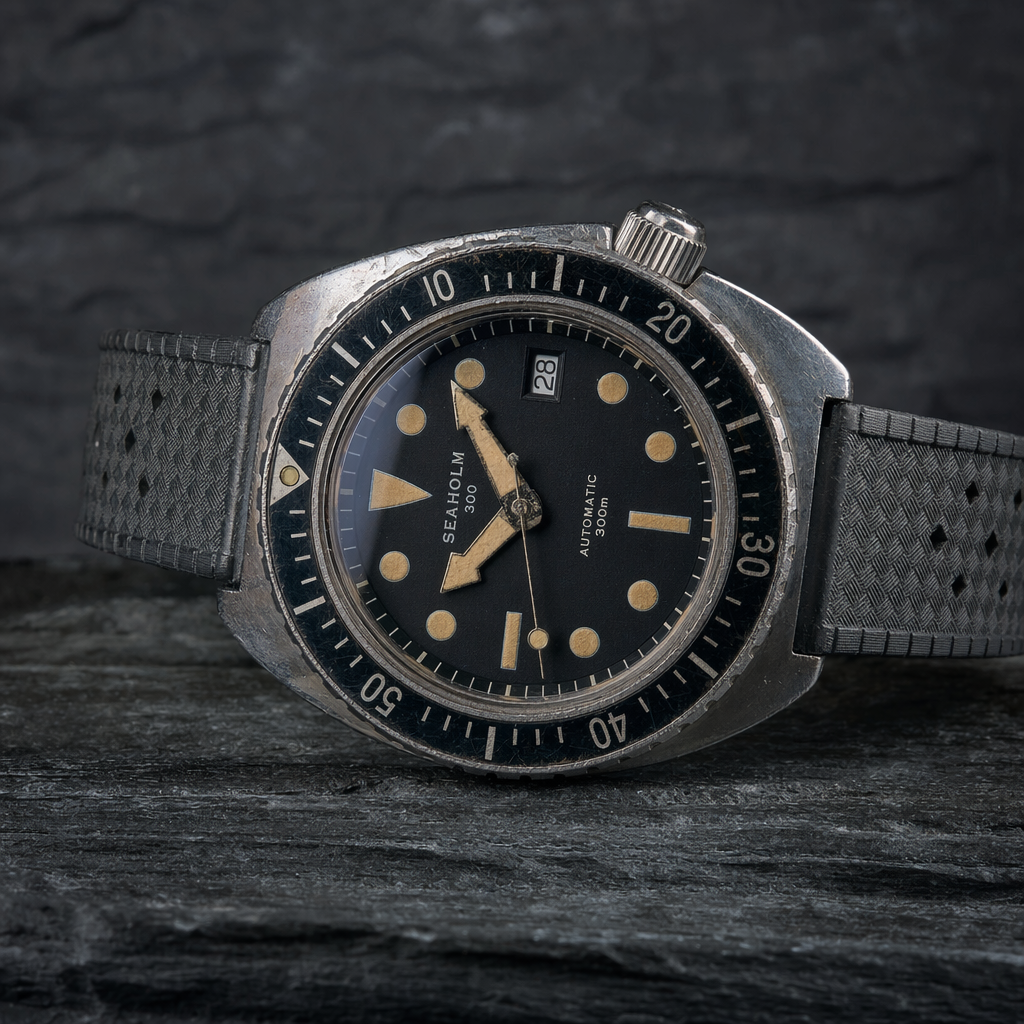
Product photography
Weathered Dive Watch on Dark Slate
"Macro shot, rim-lit, shallow depth of field, studio lighting."
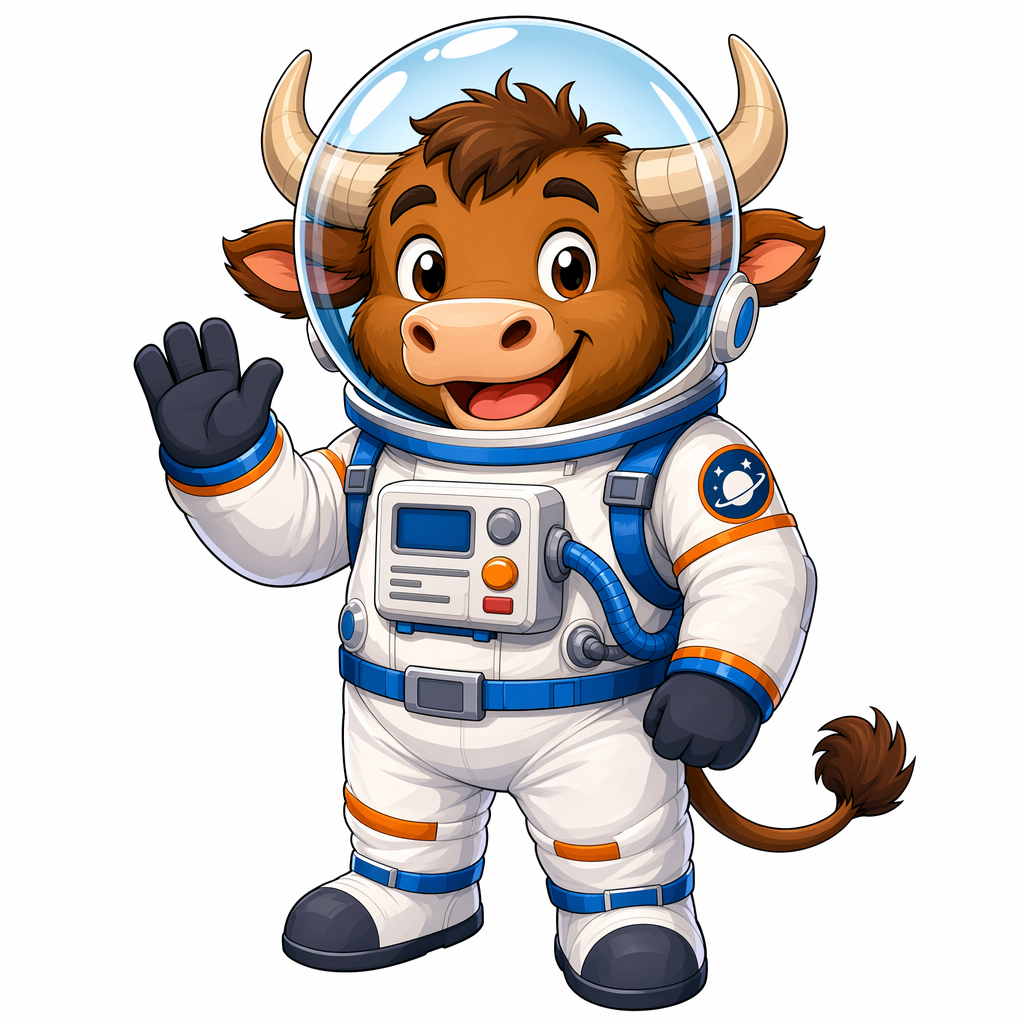
Character illustration
Cartoon Ox in a Space Helmet
"Cel-shaded, vibrant colors, clean white background."
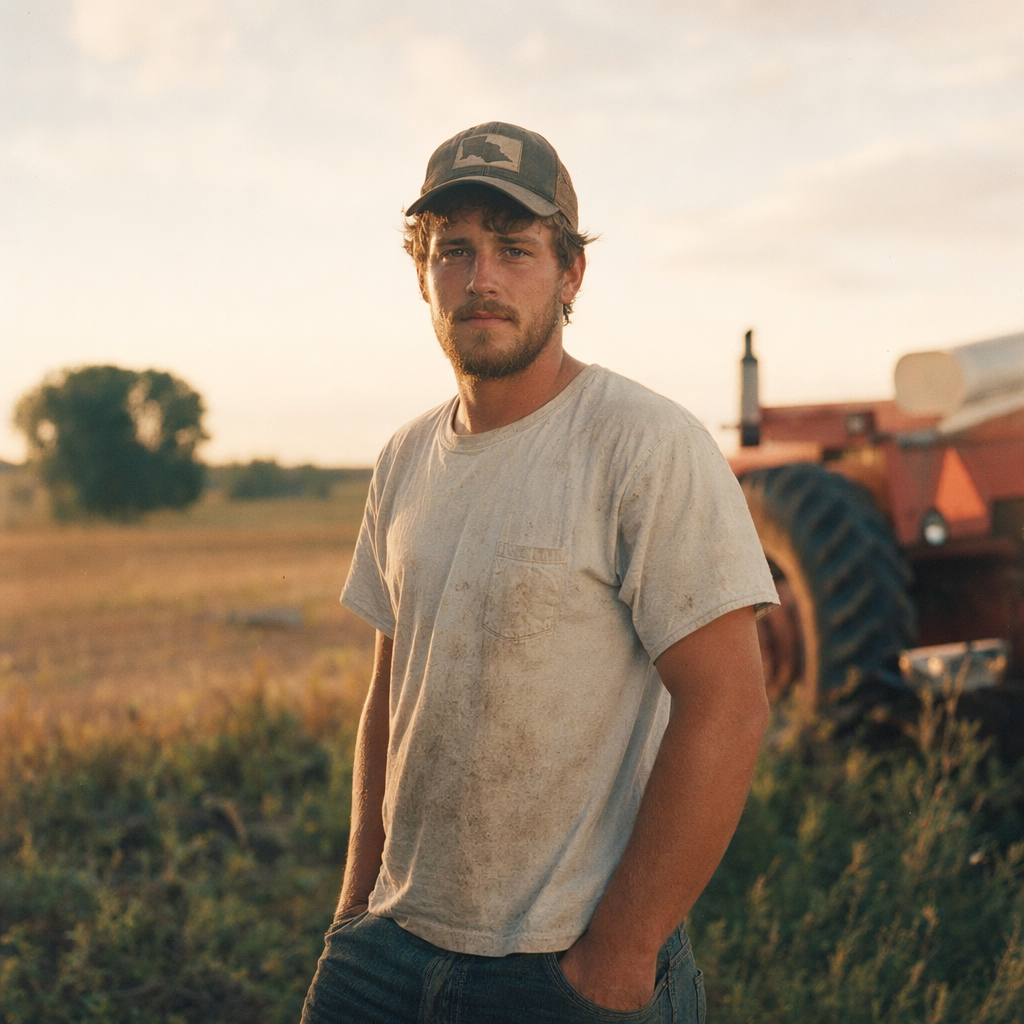
Cinematic portrait
Young Farmer at Golden Hour
"35mm film, golden light, shallow depth of field."
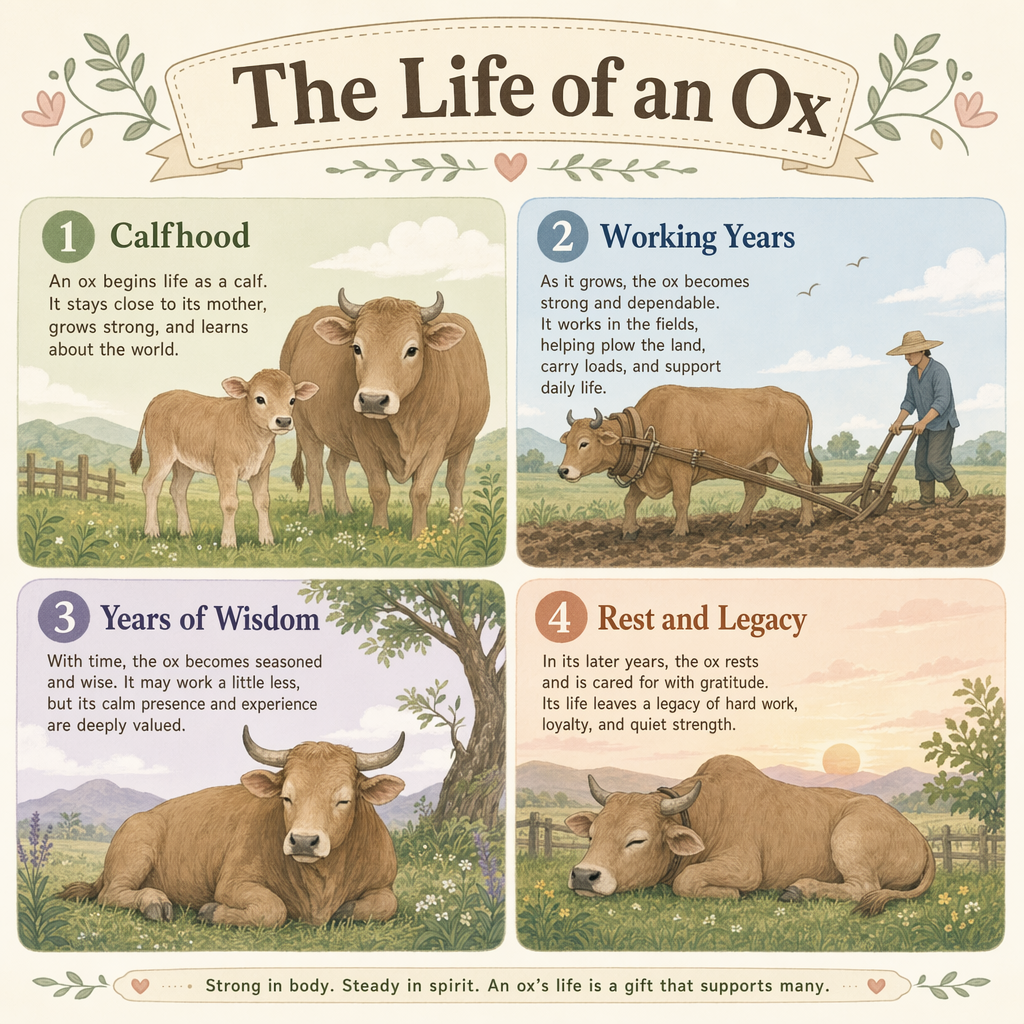
Editorial typography
The Life of an Ox Infographic
"Four labeled sections, clean sans-serif, pastel palette."
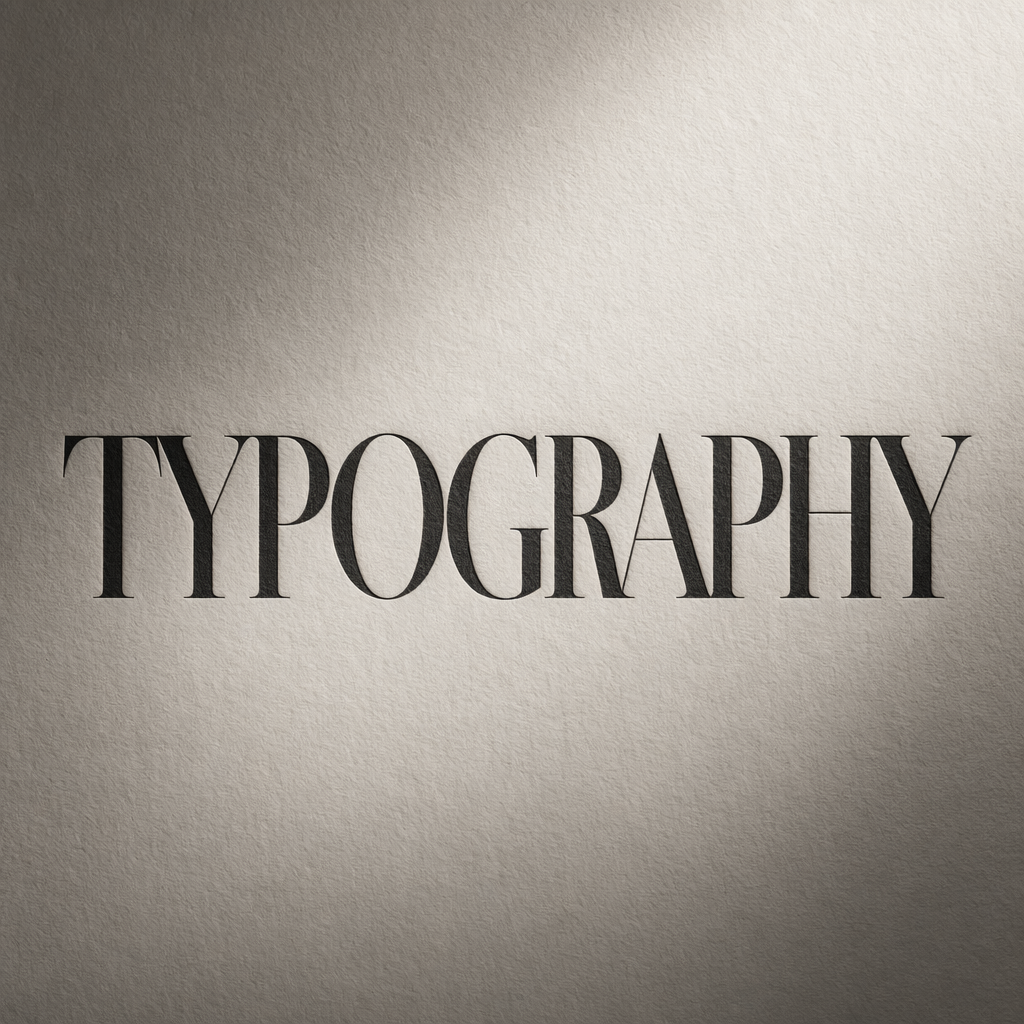
Typography
Typographic Poster
"Elegant serif letterforms on textured paper, high contrast."
Ready to build with GPT Image 2?
Try GPT Image 2 in the Workbench to prompt it, compare outputs, and iterate on prompts without writing any code. When you're ready to ship, call the same model from our API and build your own apps on top of it.
curl -sSf -X POST https://hub.oxen.ai/api/ai/images/edit \
    -H "Content-Type: application/json" \
    -H "Authorization: Bearer $OXEN_API_KEY" \
    -d '{
  "model": "gpt-image-2",
  "prompt": "An ox standing in the middle of a long open road at sunset, cinematic lighting, photorealistic, centered and staring at the camera.",
  "aspect_ratio": "16:9",
  "resolution": "2K",
  "quality": "high",
  "output_format": "png"
}'Request parameters
Every field GPT Image 2 accepts in the request body. See the API reference for response formats.
POST
https://hub.oxen.ai/api/ai/images/edit| Field | Type | Required | Default | Description |
|---|---|---|---|---|
prompt | string | Yes | — | Text description of the image to generate. |
input_image | array<string>nullable | No | — | Optional reference image(s) to edit. Leave empty to generate from the prompt alone. |
mask_url | stringuri · nullable | No | — | Optional mask image URL. White pixels mark regions to edit; black pixels are preserved. Leave empty to edit the whole image. |
aspect_ratio | string | No | "16:9" | auto1:116:99:164:33:43:22:321:99:21 |
resolution | string | No | "2K" | 1K2K4K |
quality | string | No | "high" | Output quality tier: low, medium, or high. Higher quality renders more detail and costs more.lowmediumhigh |
output_format | string | No | "png" | File format for the generated image.pngjpegwebp |