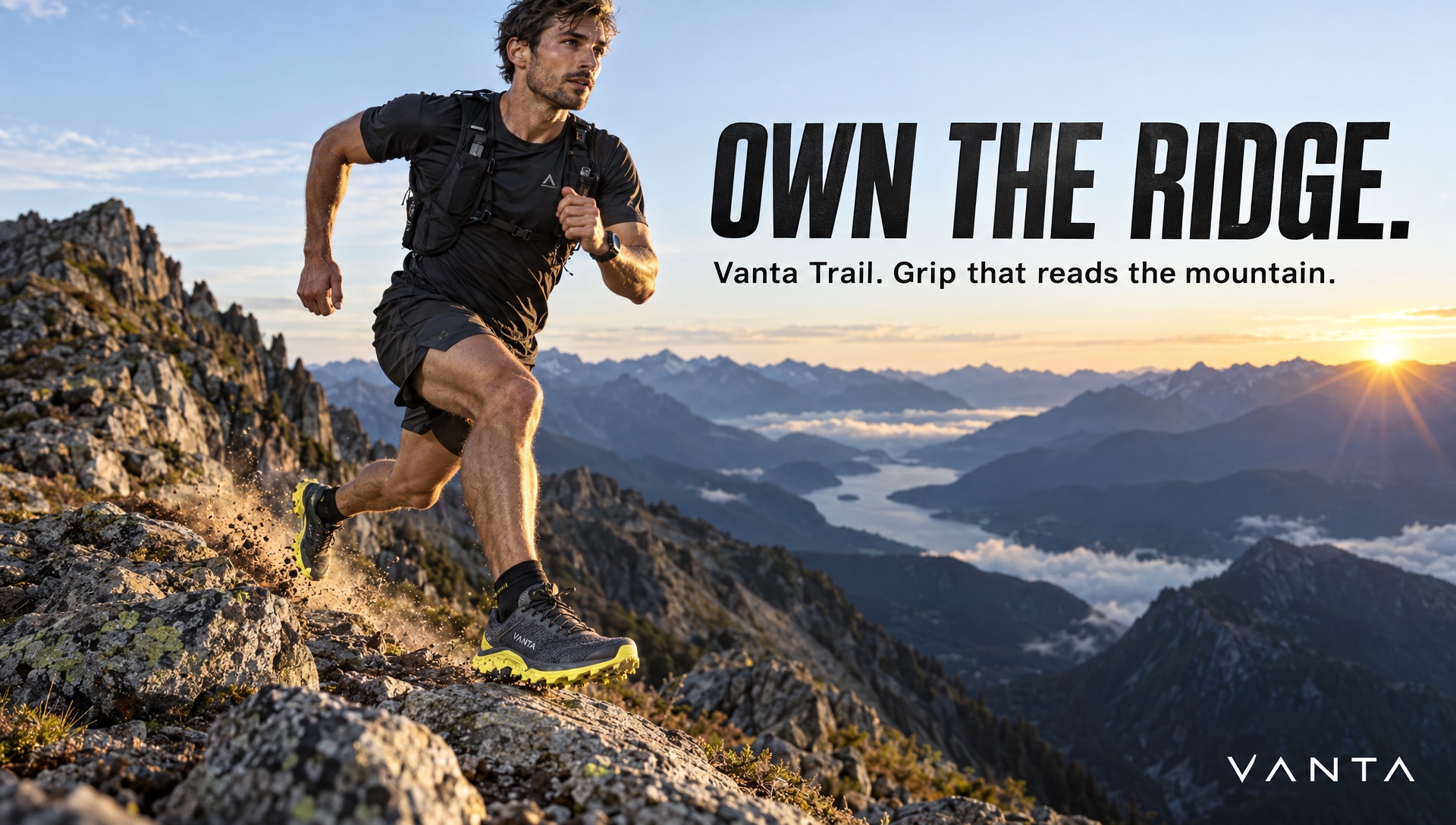
About GPT Image 2.5 Sunburst
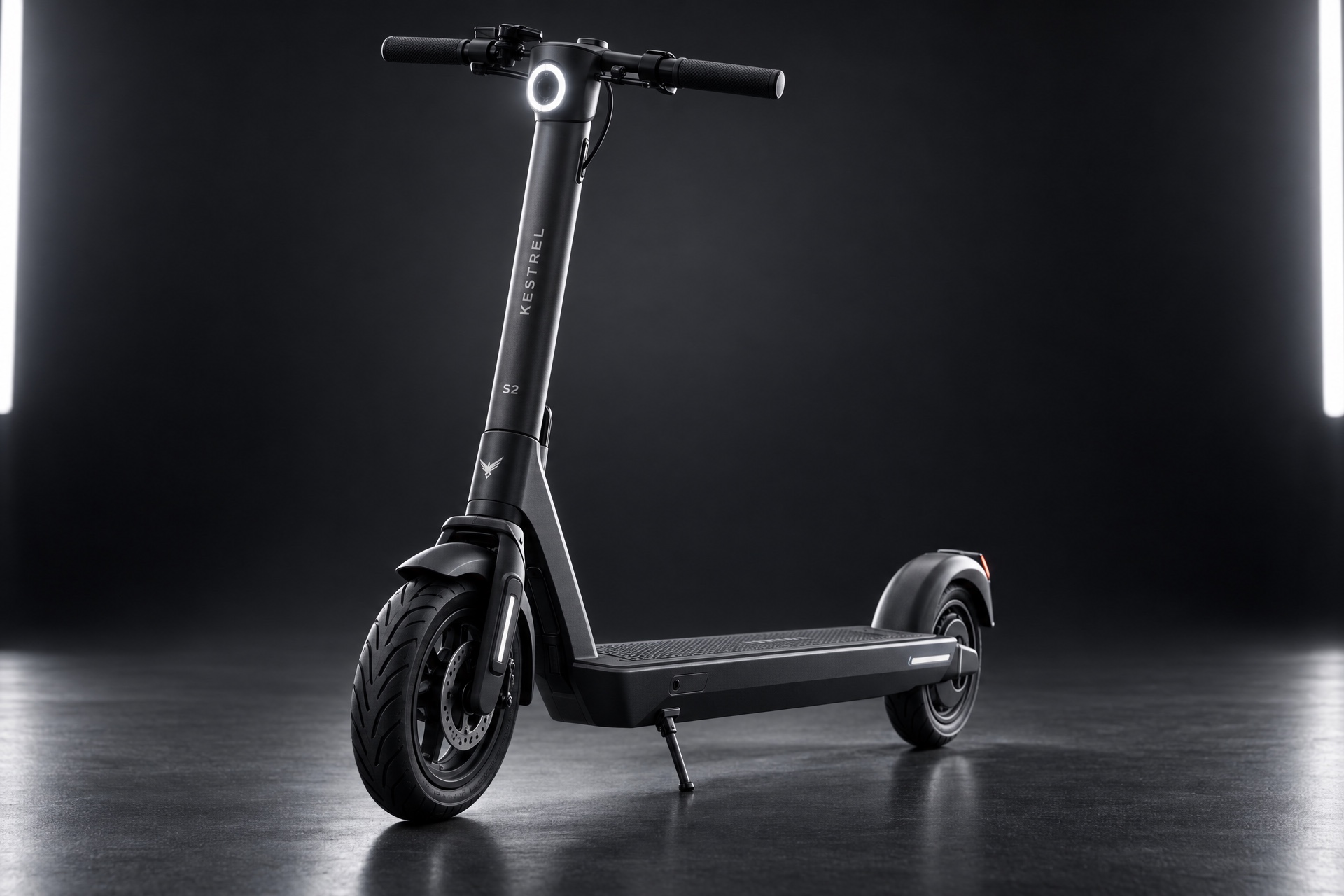
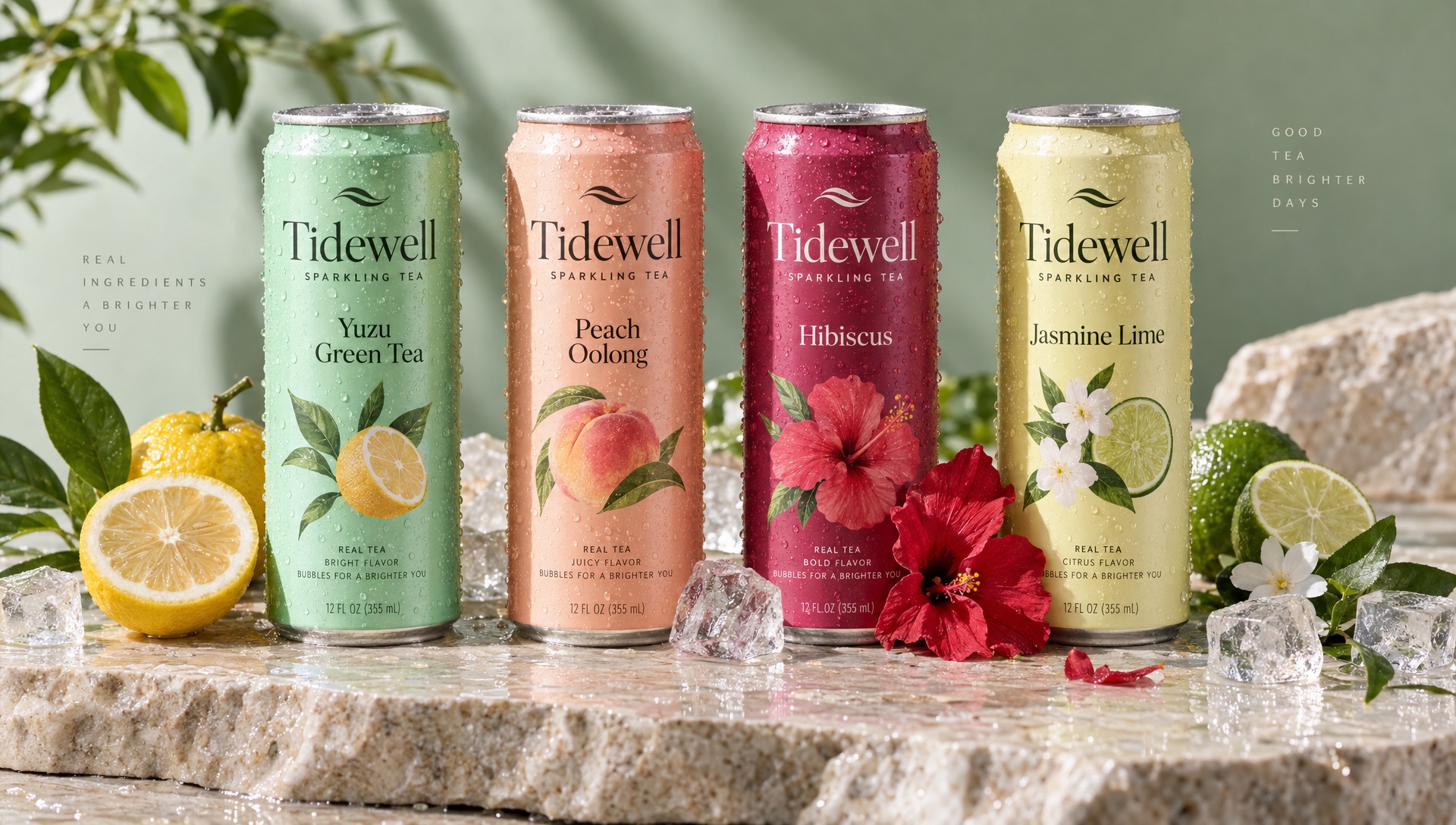
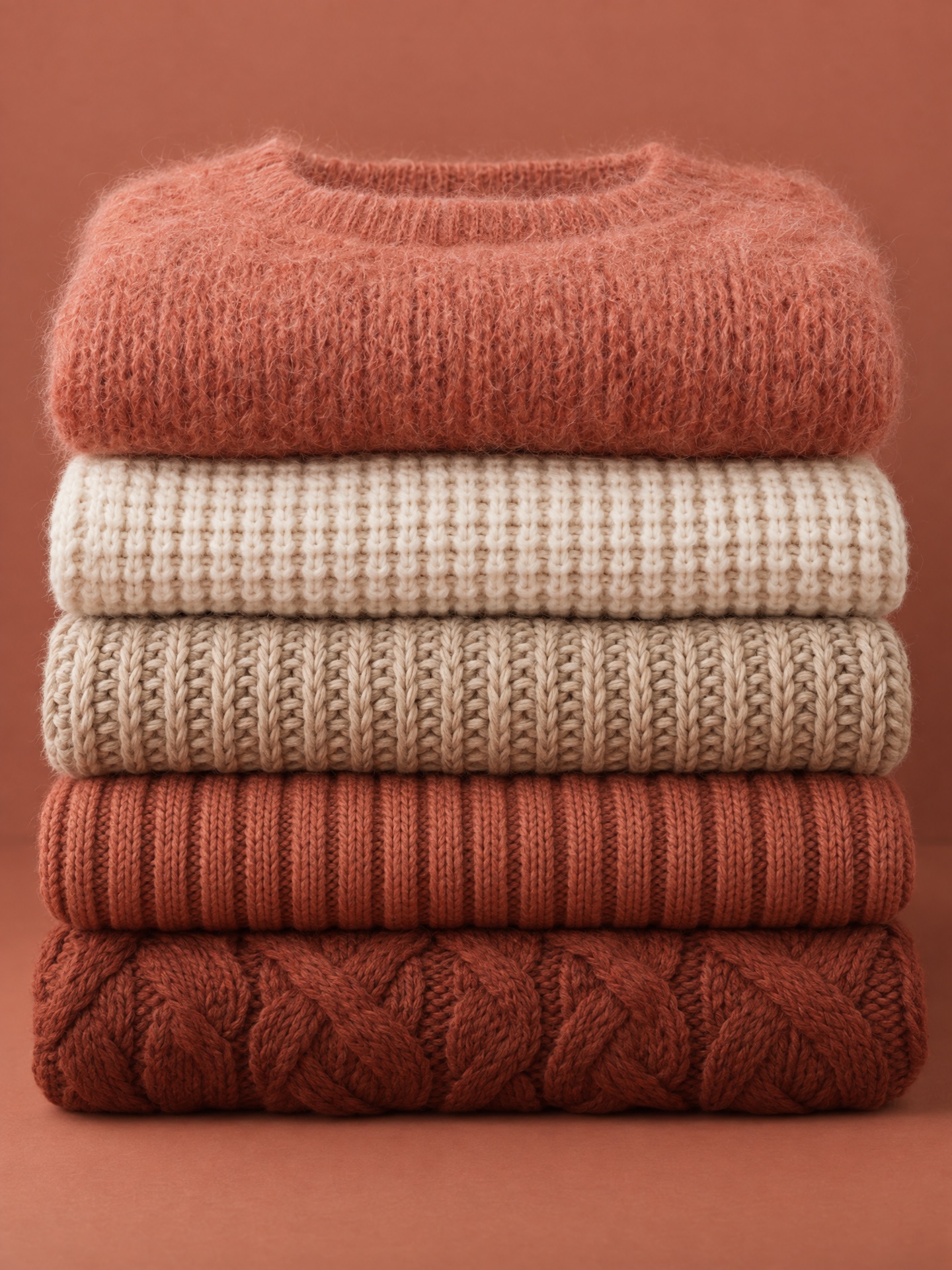
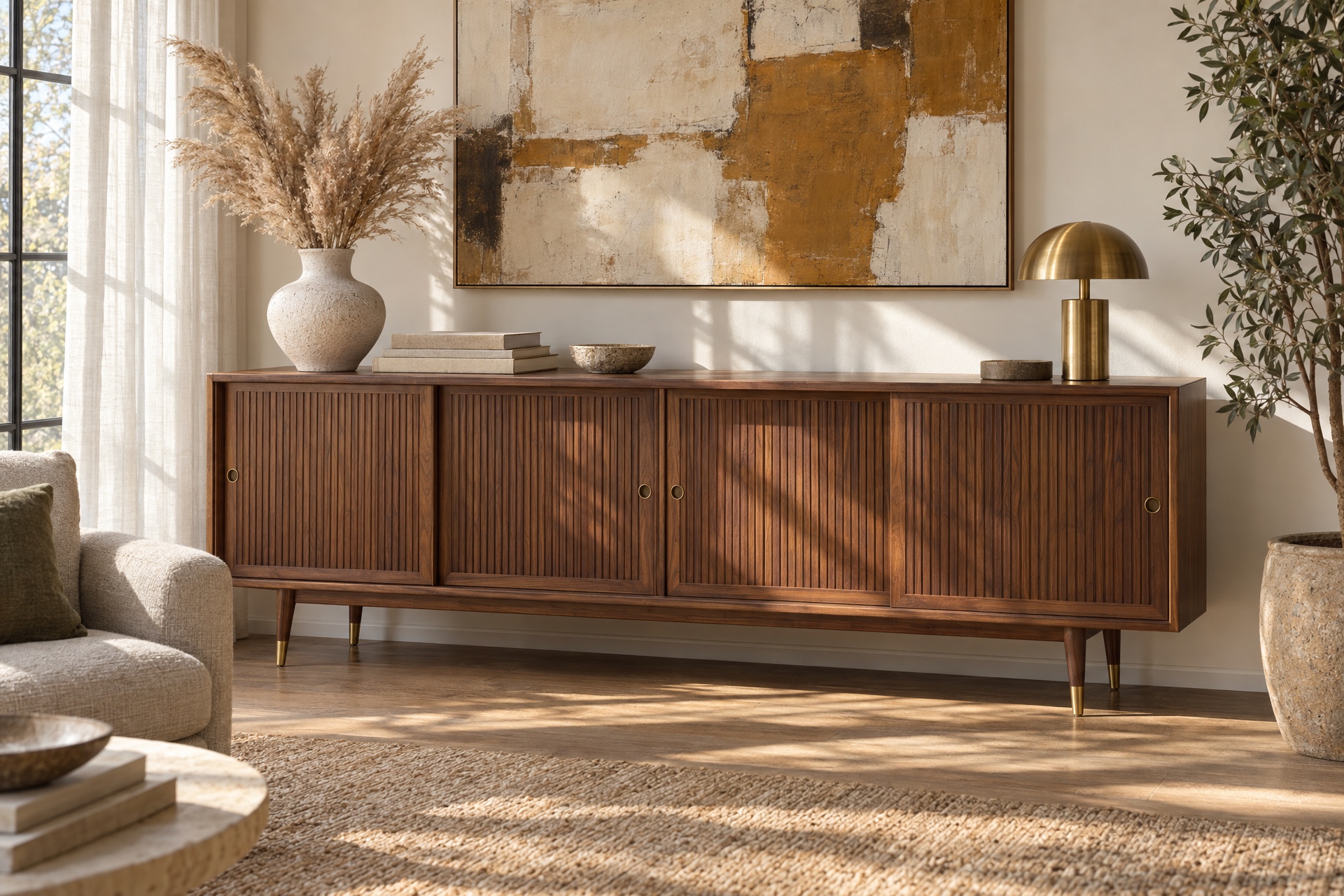
GPT Image 2.5 Sunburst is OpenAI's precision image generation and editing model for creative work that benefits from tighter control across edits, such as production-ready campaign creative and polished product imagery. It shares GPT Image 2.5 Flare's improvements in lighting, texture, subject preservation, and multi-turn edit consistency, and adds an extra level of editing precision at the cost of longer generation times.
It generates from a text prompt or edits up to 16 reference images, with optional mask-based inpainting, transparent backgrounds, custom dimensions up to 4K (3840x2160), and five quality tiers from low through the new xhigh and max settings. Choose it when editing precision matters most; GPT Image 2.5 Flare is the faster choice for everyday generation.
See what this model can do
A handful of real prompts and their outputs.
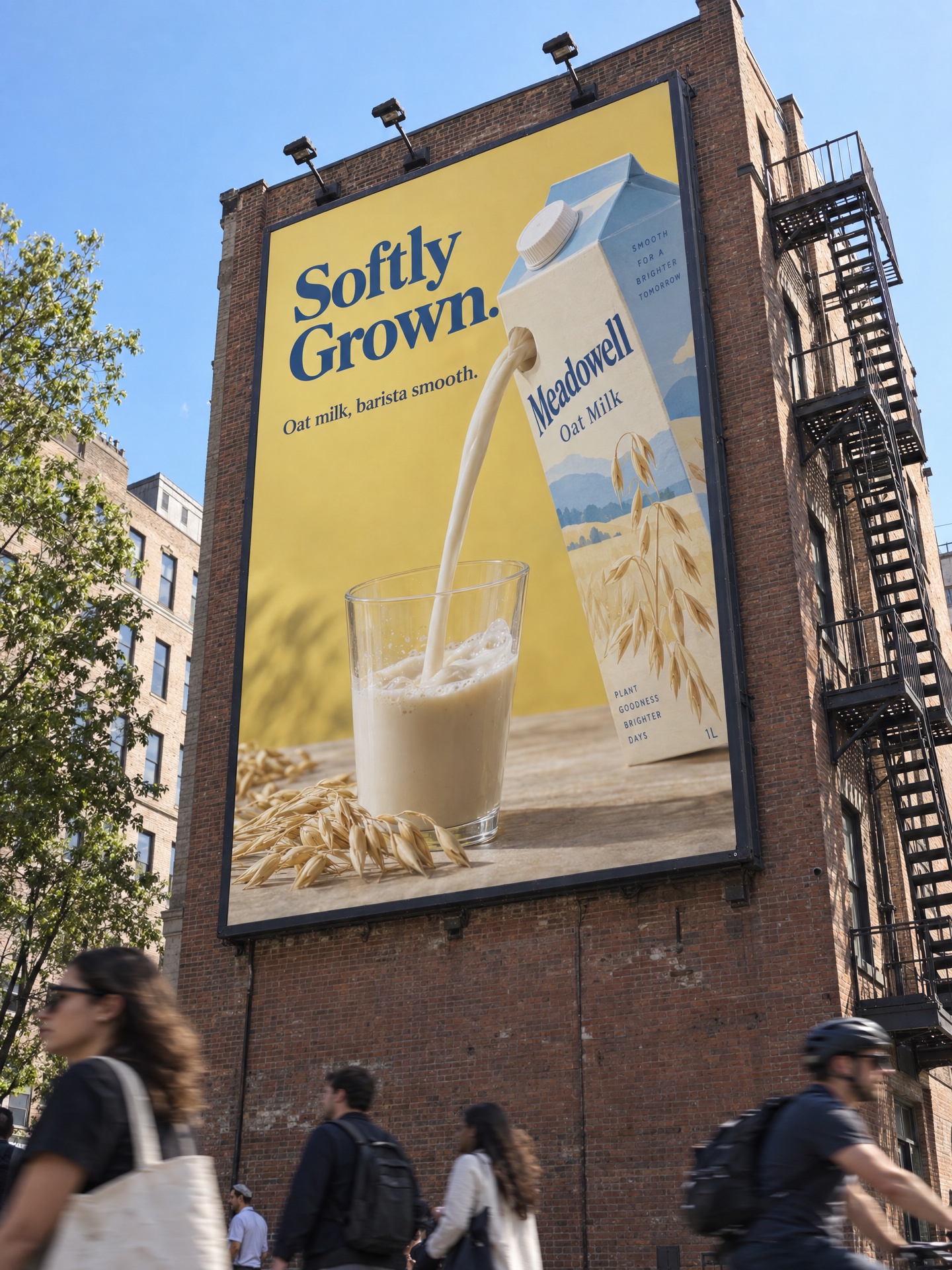
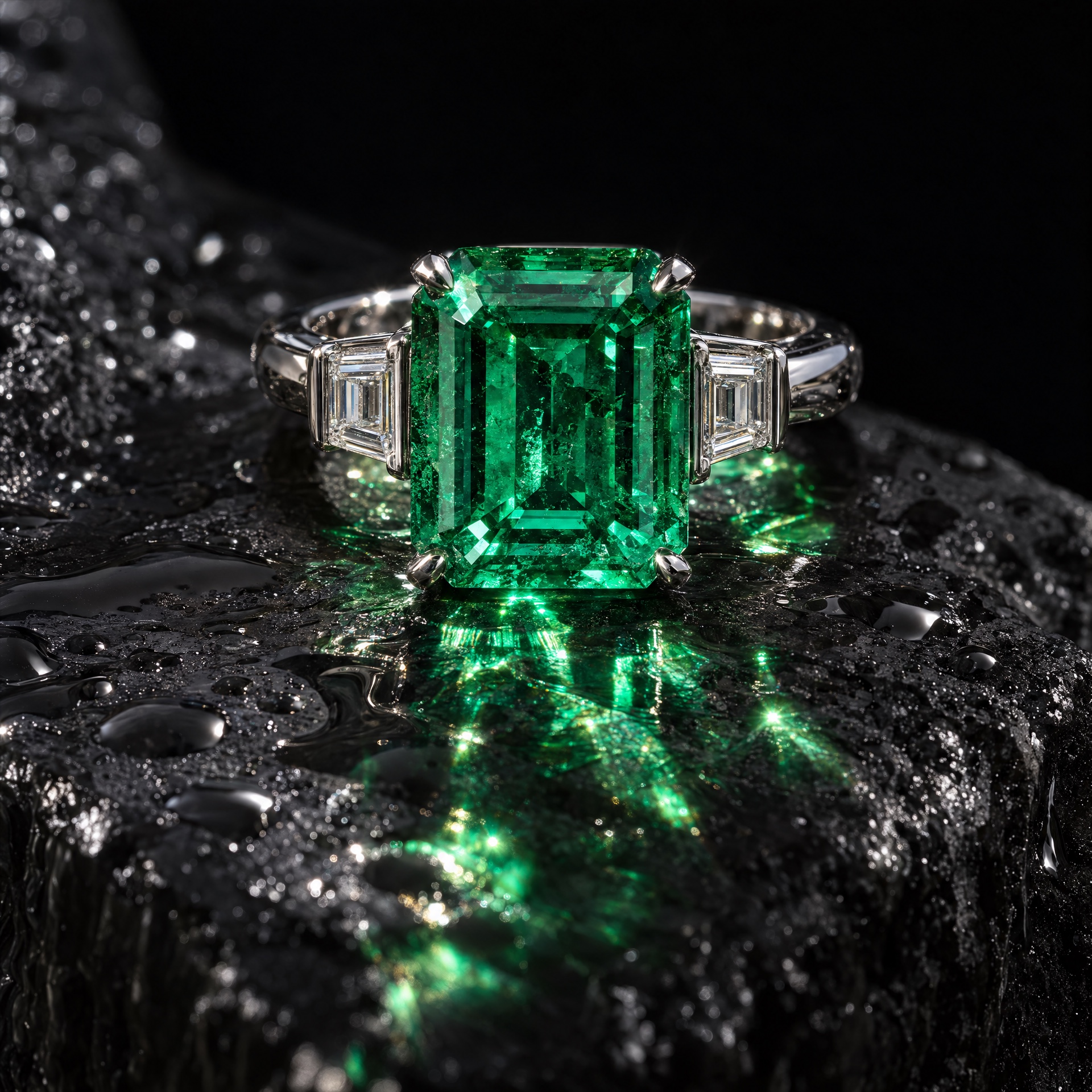
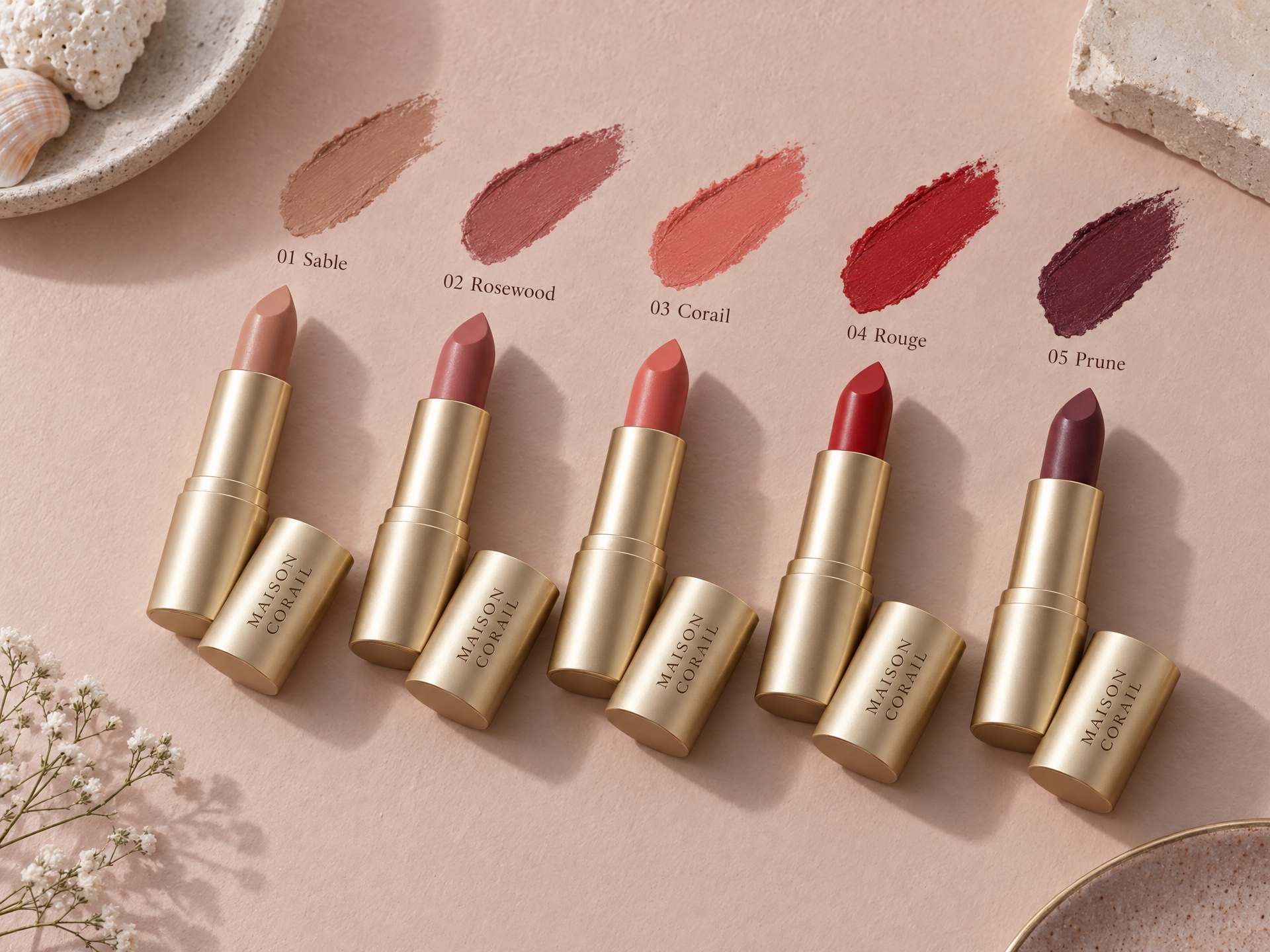
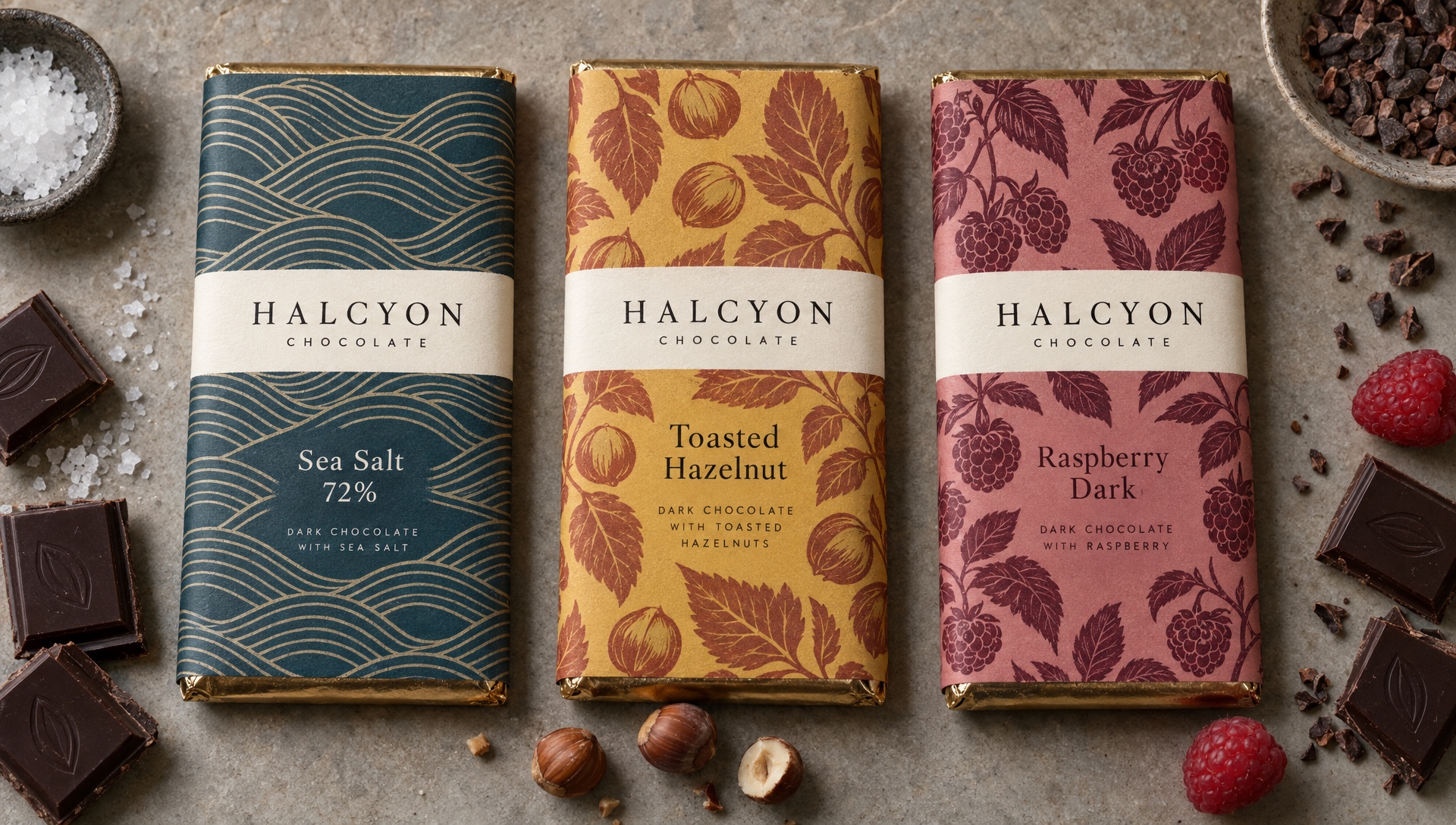
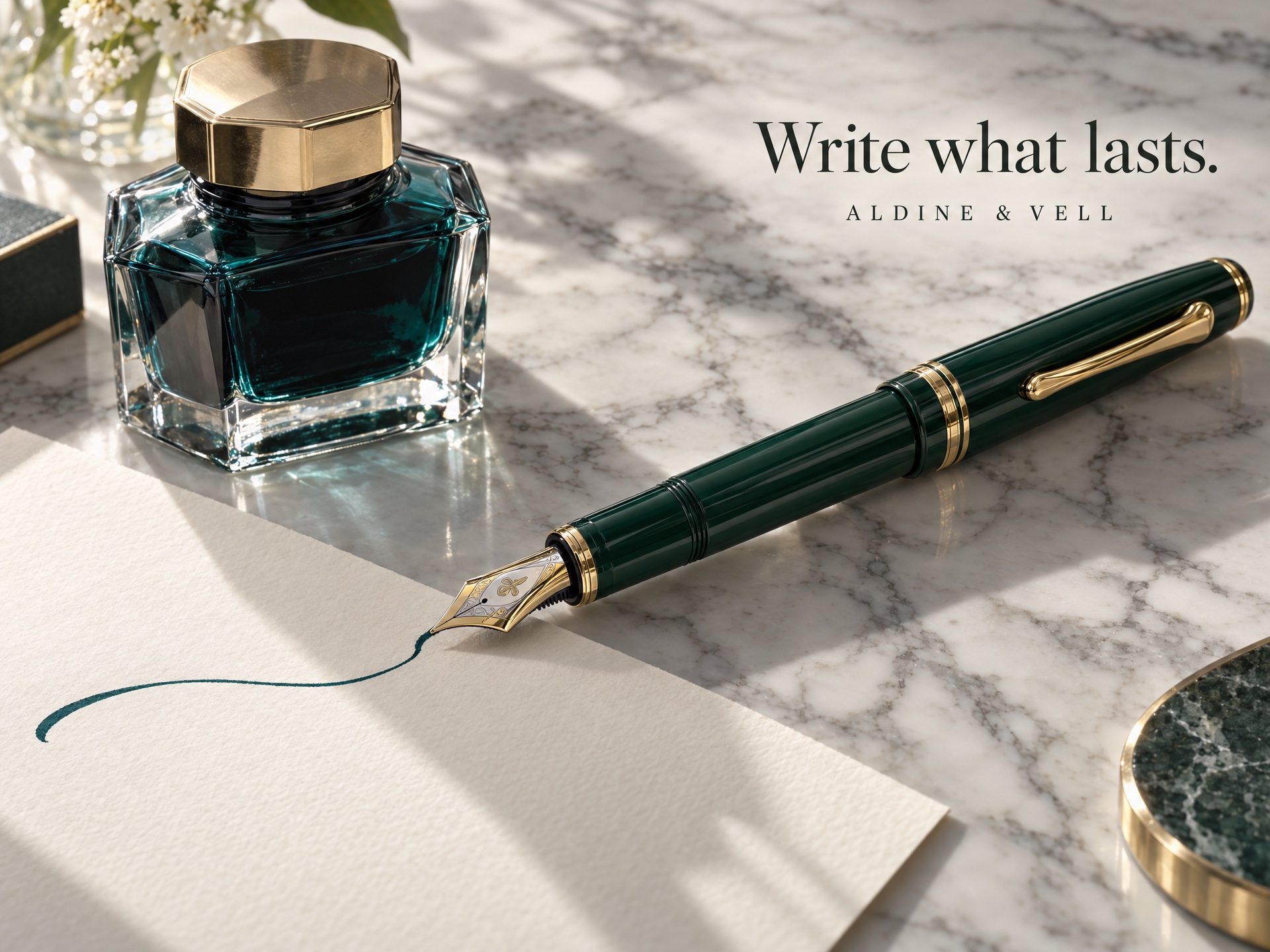
Ready to build with GPT Image 2.5 Sunburst?
Try GPT Image 2.5 Sunburst in the Workbench to prompt it, compare outputs, and iterate on prompts without writing any code. When you're ready to ship, call the same model from our API and build your own apps on top of it.
curl -sSf -X POST https://hub.oxen.ai/api/ai/images/edit \
    -H "Content-Type: application/json" \
    -H "Authorization: Bearer $OXEN_API_KEY" \
    -d '{
  "model": "gpt-image-2-5-sunburst",
  "prompt": "A cat sitting on a chair",
  "aspect_ratio": "16:9",
  "resolution": "2K",
  "quality": "high",
  "output_format": "png",
  "background": "auto",
  "moderation": "low"
}'Request parameters
Every field GPT Image 2.5 Sunburst accepts in the request body. See the API reference for response formats.
https://hub.oxen.ai/api/ai/images/edit| Field | Type | Required | Default | Description |
|---|---|---|---|---|
prompt | string | Yes | — | Text description of the image to generate, or the instruction on how to edit the reference images. Use @Image1, @Image2, etc. to reference the input images. |
input_image | array<string>nullable | No | — | Optional reference image(s) to edit, up to 16. Leave empty to generate from the prompt alone. |
mask_url | stringuri · nullable | No | — | Optional mask image URL for inpainting. Transparent pixels mark regions to edit; opaque pixels are preserved. Must match the first reference image's size. Leave empty to edit the whole image. |
aspect_ratio | string | No | "16:9" | auto1:116:99:164:33:43:22:321:99:21 |
resolution | string | No | "2K" | 1K2K4K |
quality | string | No | "high" | Output quality tier. Higher tiers render more detail and cost more; xhigh and max are the slowest and most detailed.lowmediumhighxhighmax |
output_format | string | No | "png" | File format for the generated image.pngjpegwebp |
background | string | No | "auto" | Background of the generated image. 'transparent' requires png or webp output.autoopaquetransparent |
moderation | string | No | "low" | Content moderation strictness. 'low' is less restrictive than 'auto'; OpenAI still filters all prompts and outputs under its usage policies.lowauto |