About Qwen Image 3.0 Pro
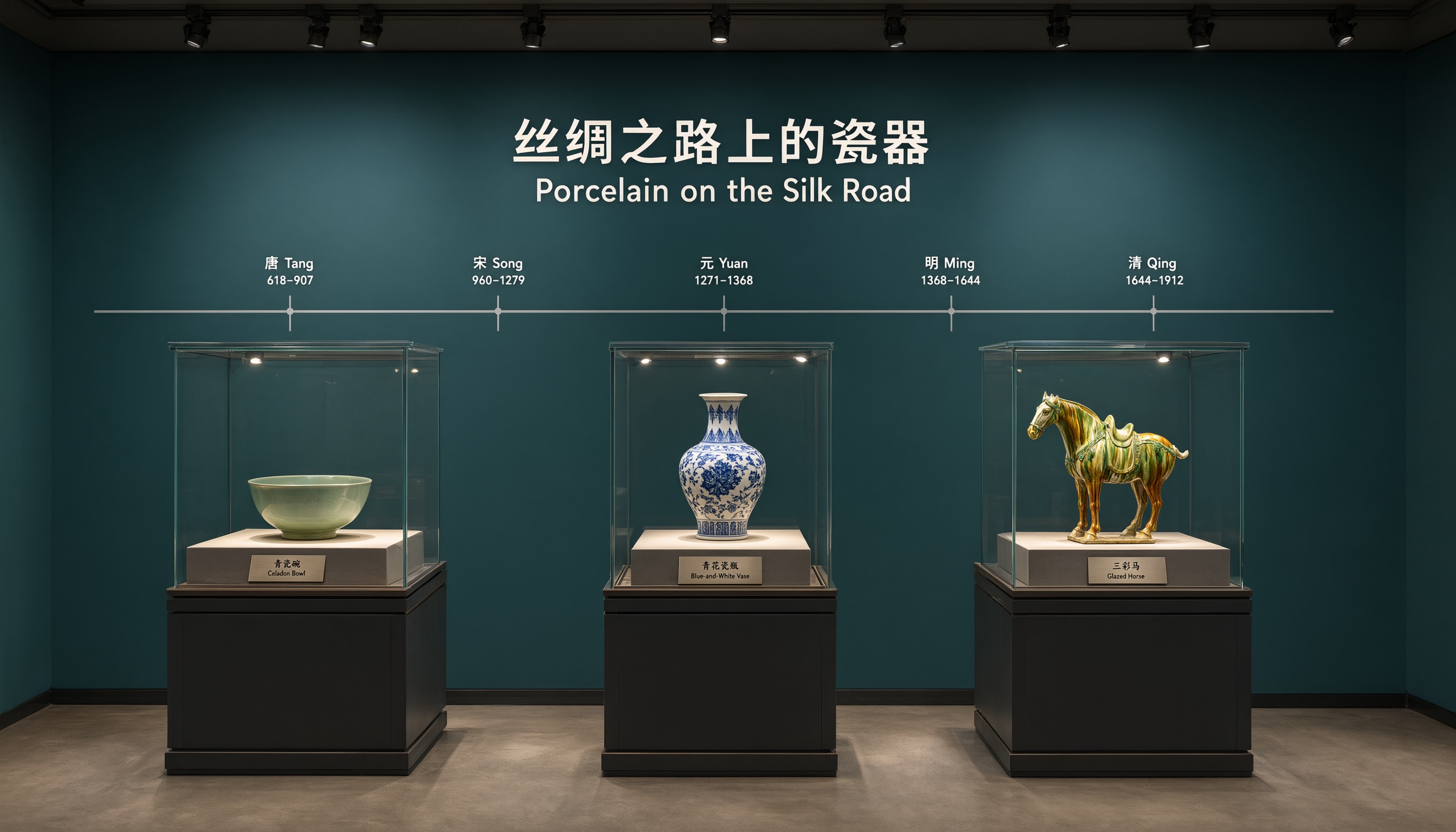
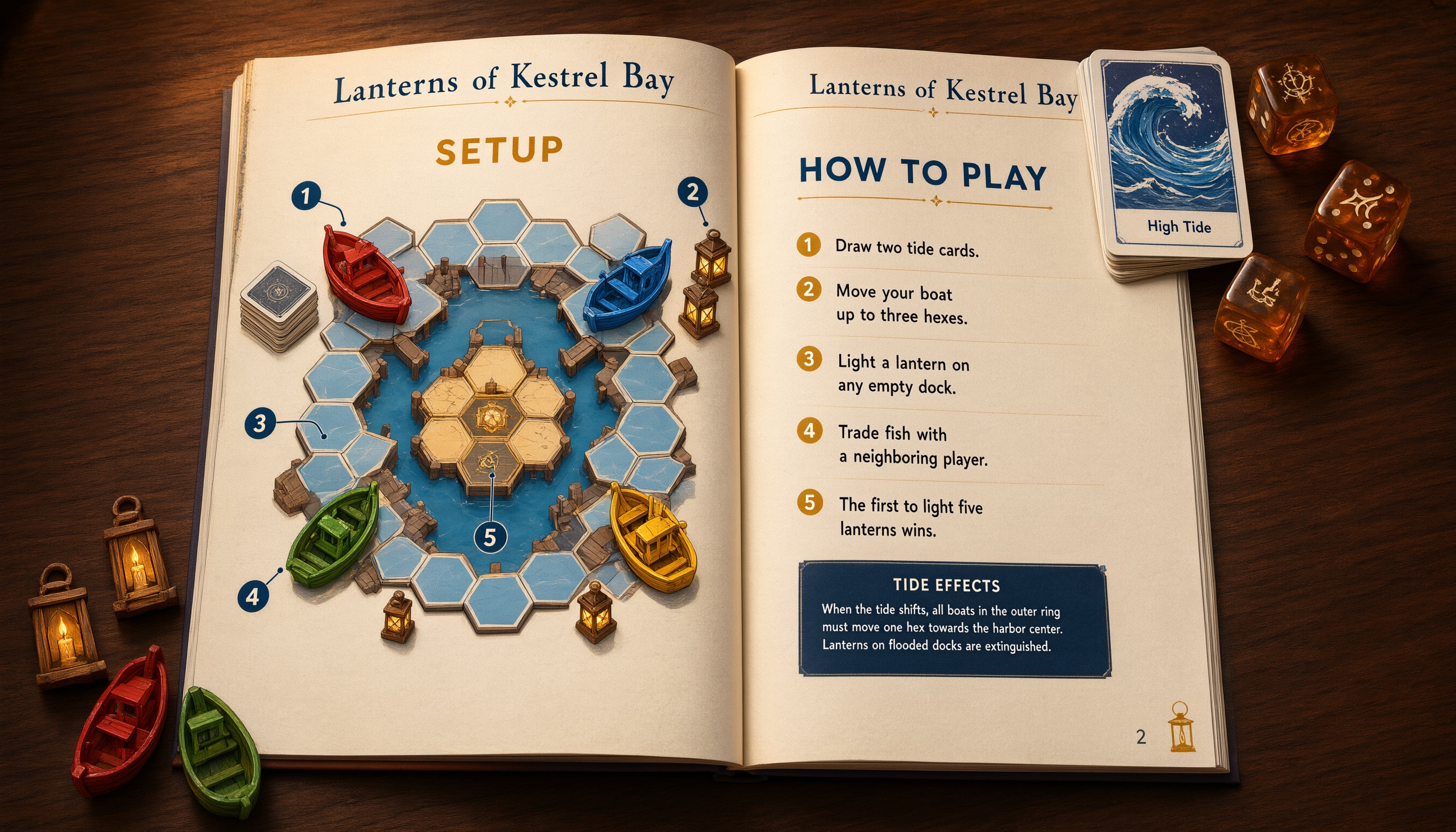
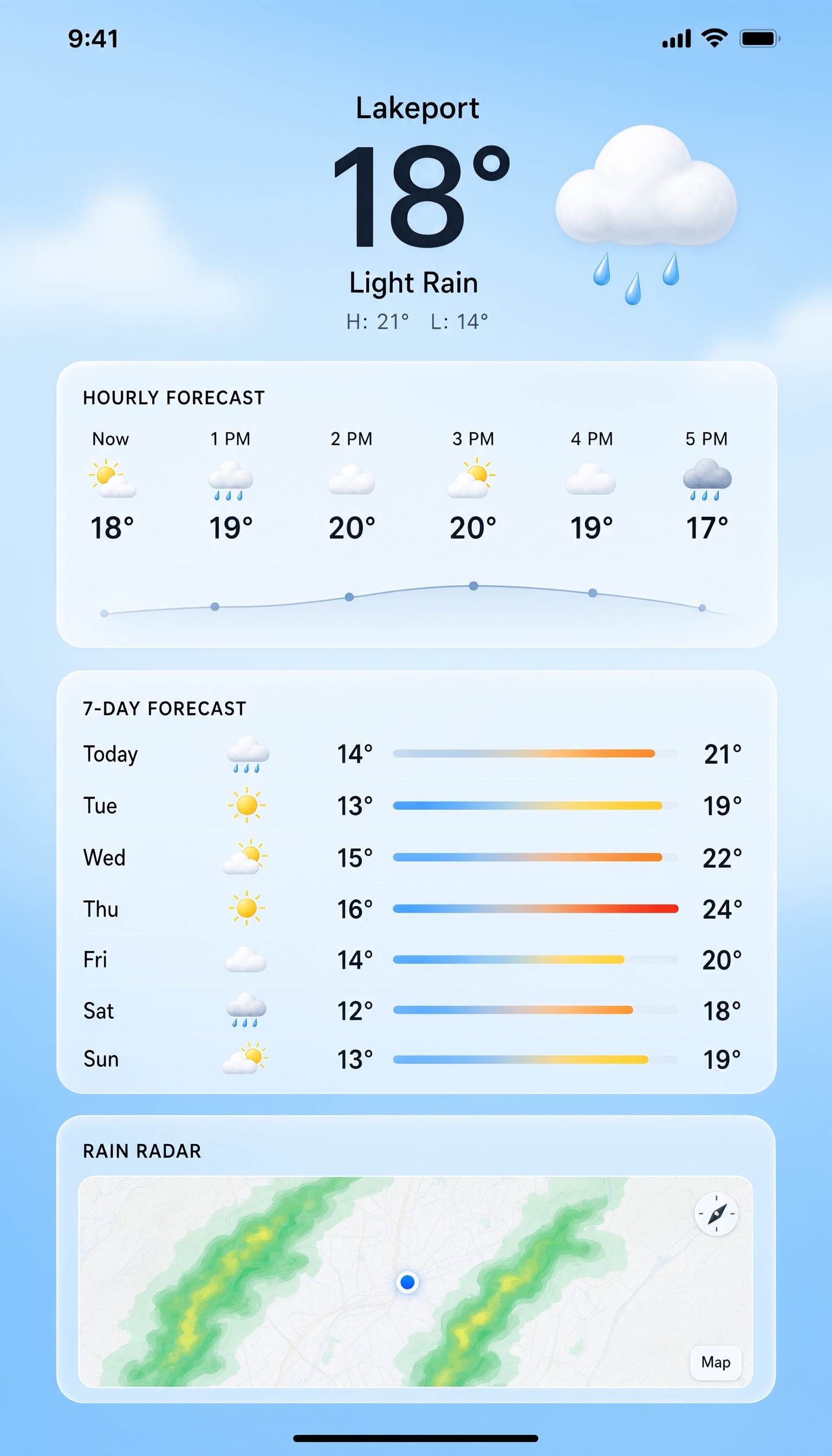
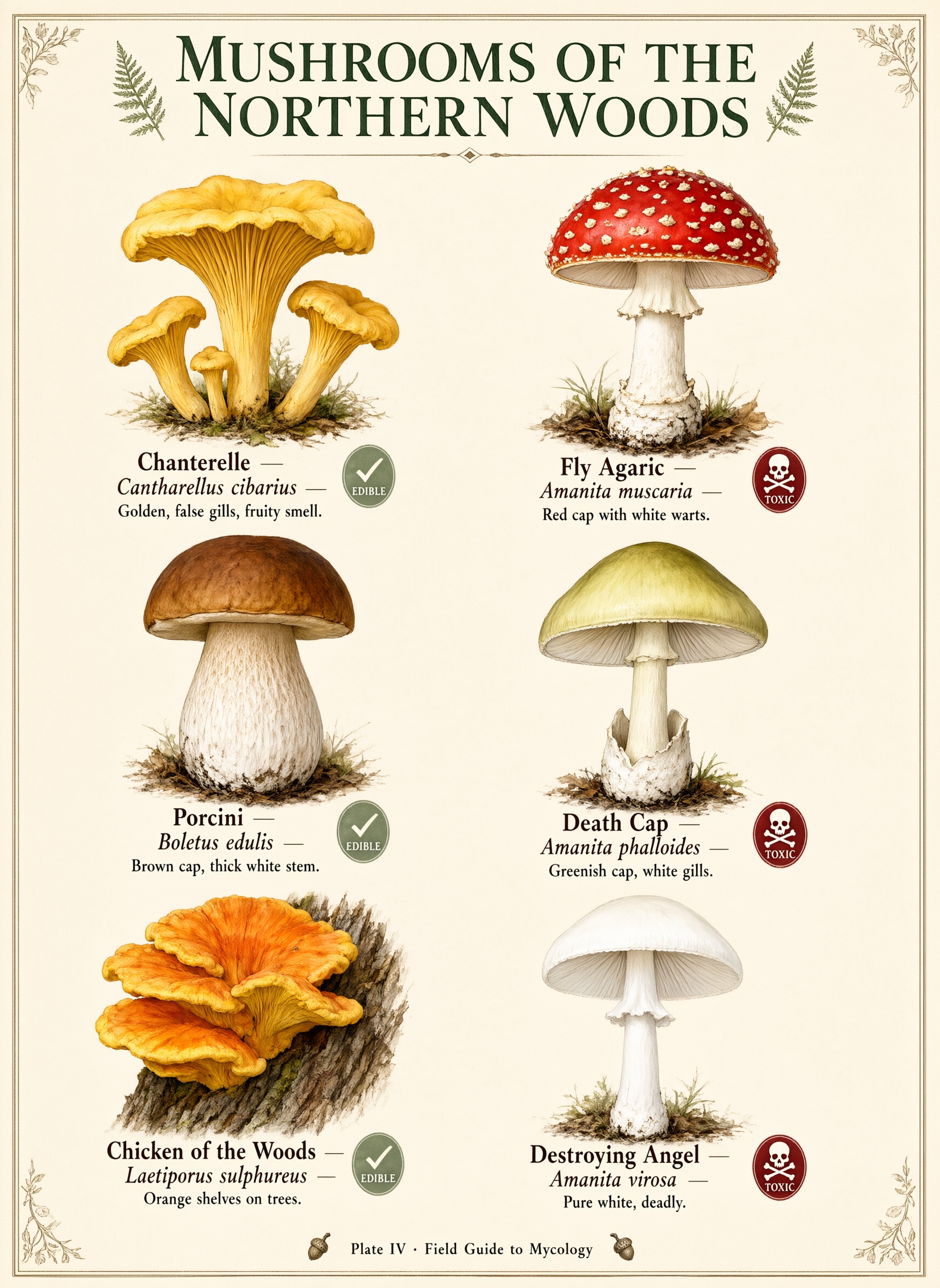
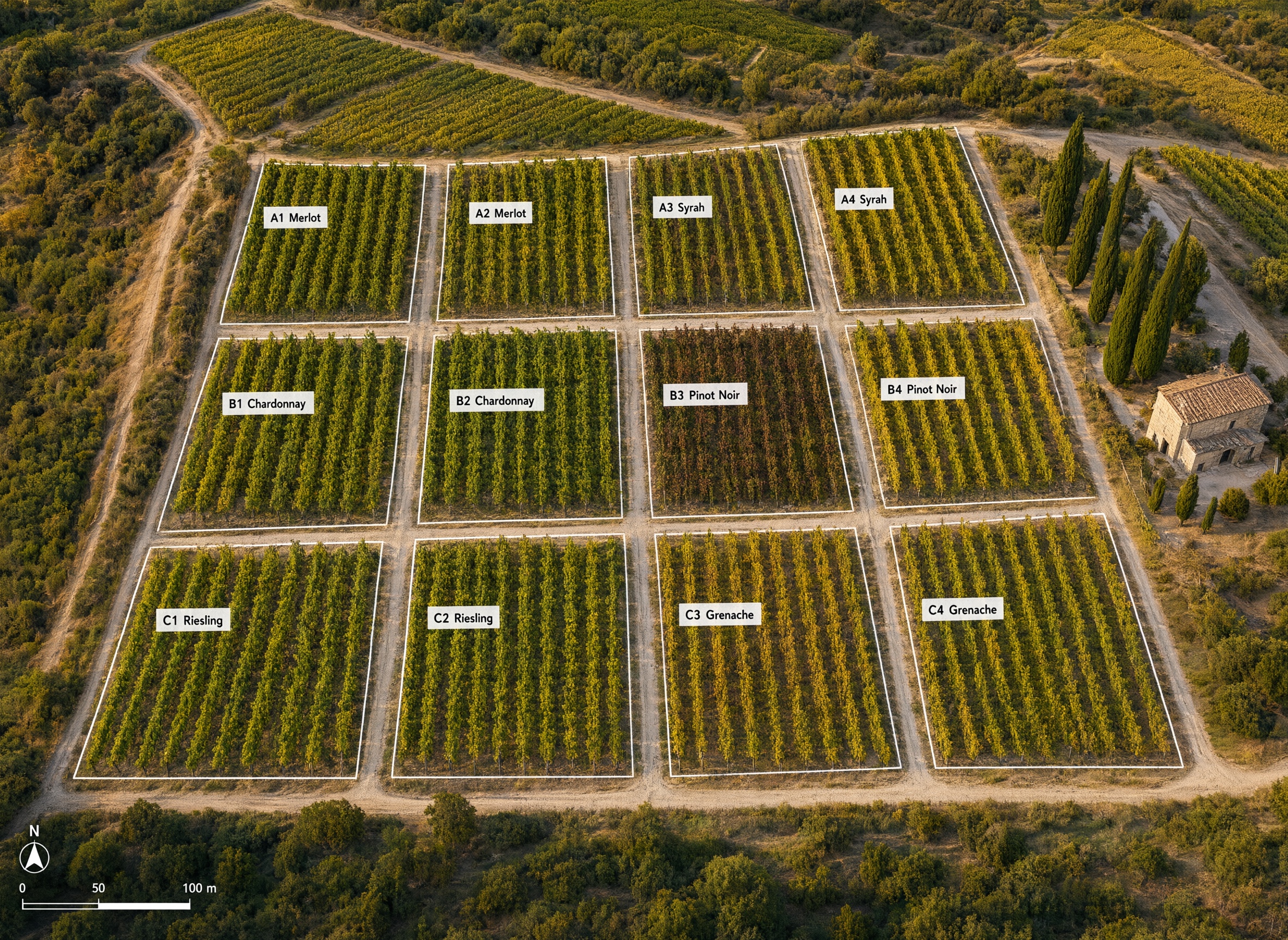
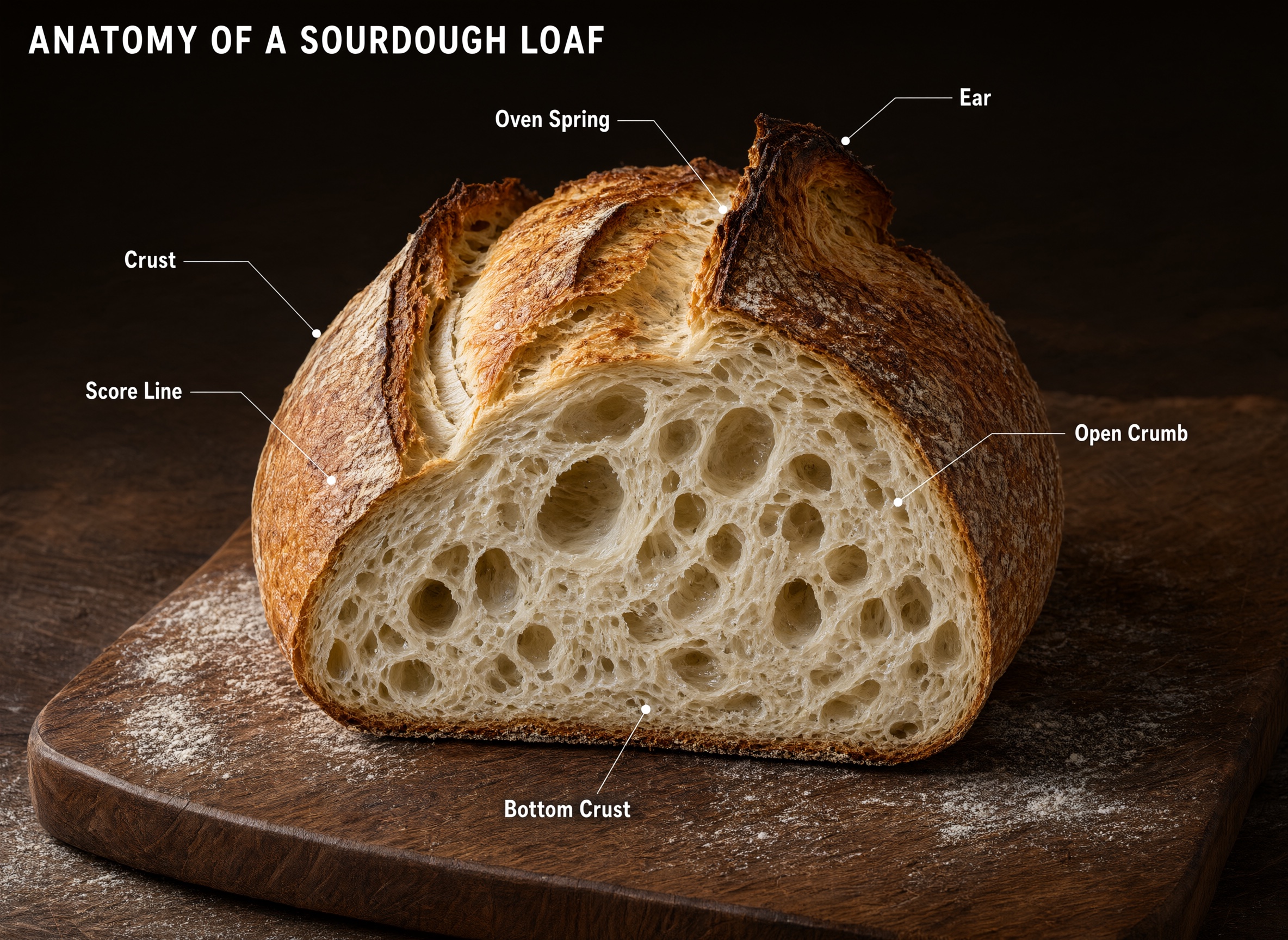
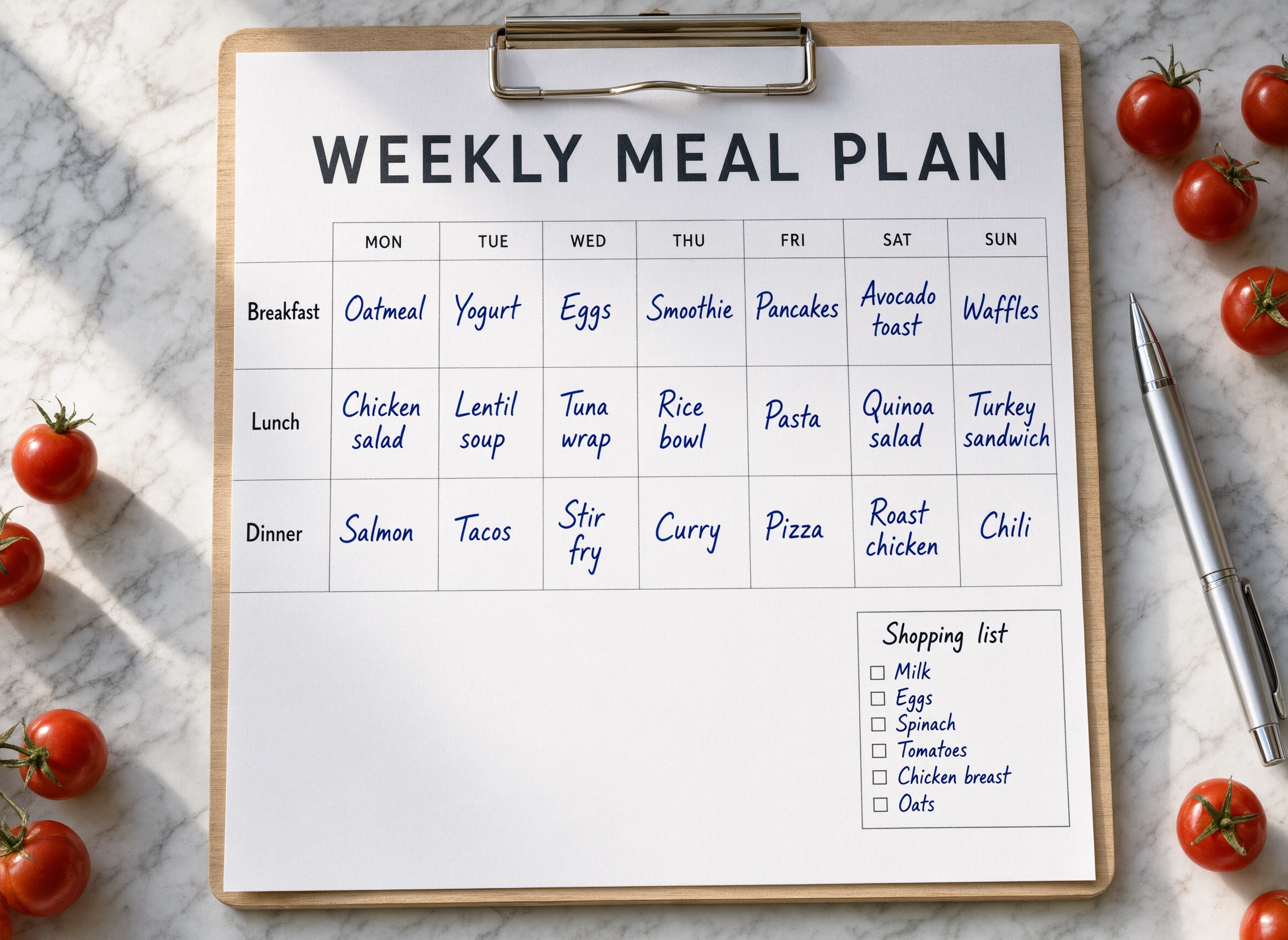
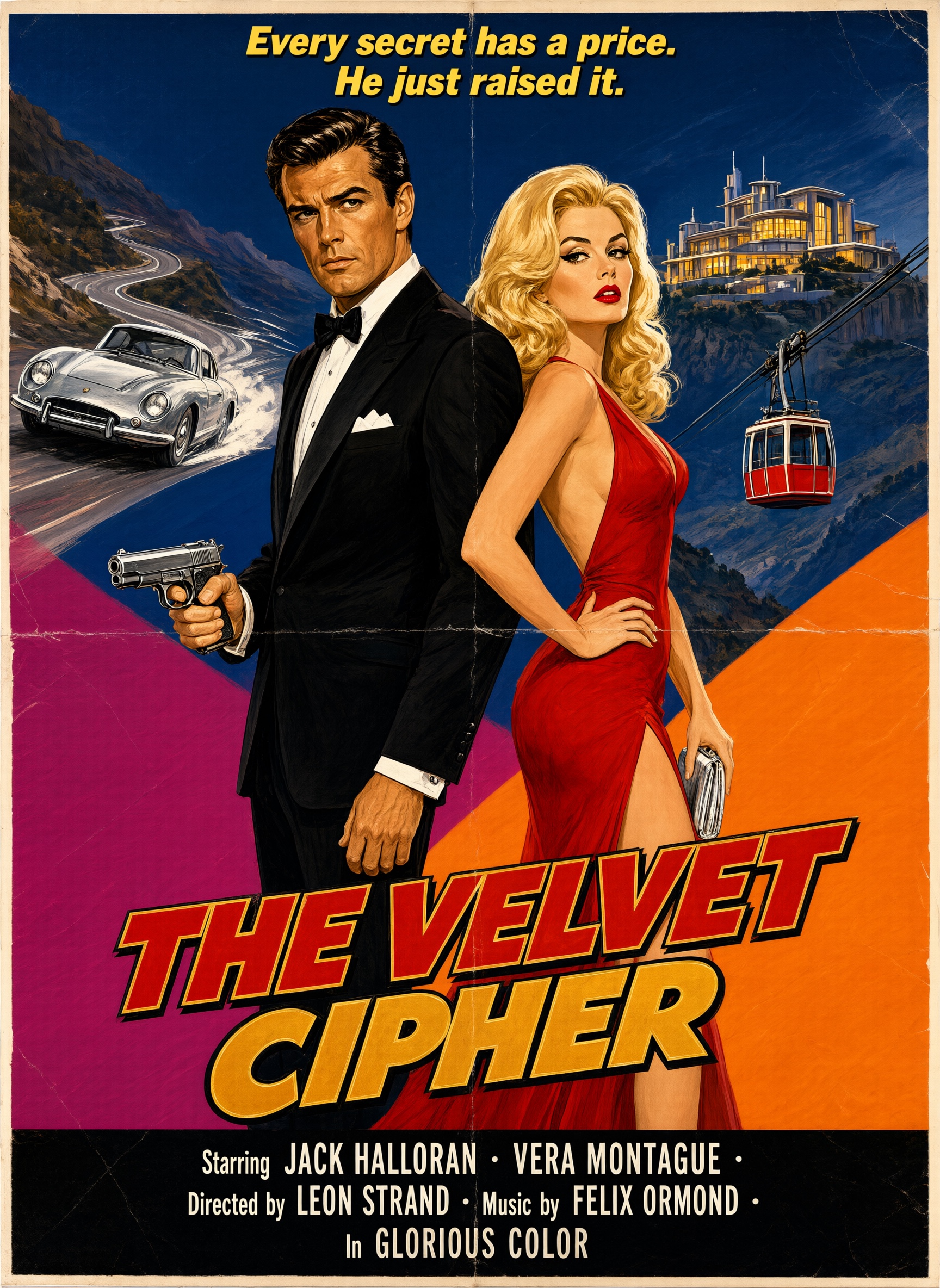
Qwen Image 3.0 Pro is the Pro tier of Alibaba's Qwen Image 3.0 series, a closed model that handles text-to-image generation and image editing in one endpoint and is built for dense, layout-heavy work such as posters, documents, infographics, and annotated images.
It reads prompts up to 4,500 tokens, renders legible text down to about 10 pixels in 12 languages, and can reason about the prompt before rendering. It takes up to three input images for edits and composition, outputs any size from 512x512 to 2048x2048 total pixels, and picks a resolution from the prompt when none is set. Compared with the standard 3.0 tier it trades speed for fidelity on complex scenes and small text.
Weights are not published.
| Metric | Value |
|---|---|
| Context Length | 4,500 tokens |
| Max Resolution | 2048x2048 (2K) |
| Multilingual | Yes (12 languages) |
See what this model can do
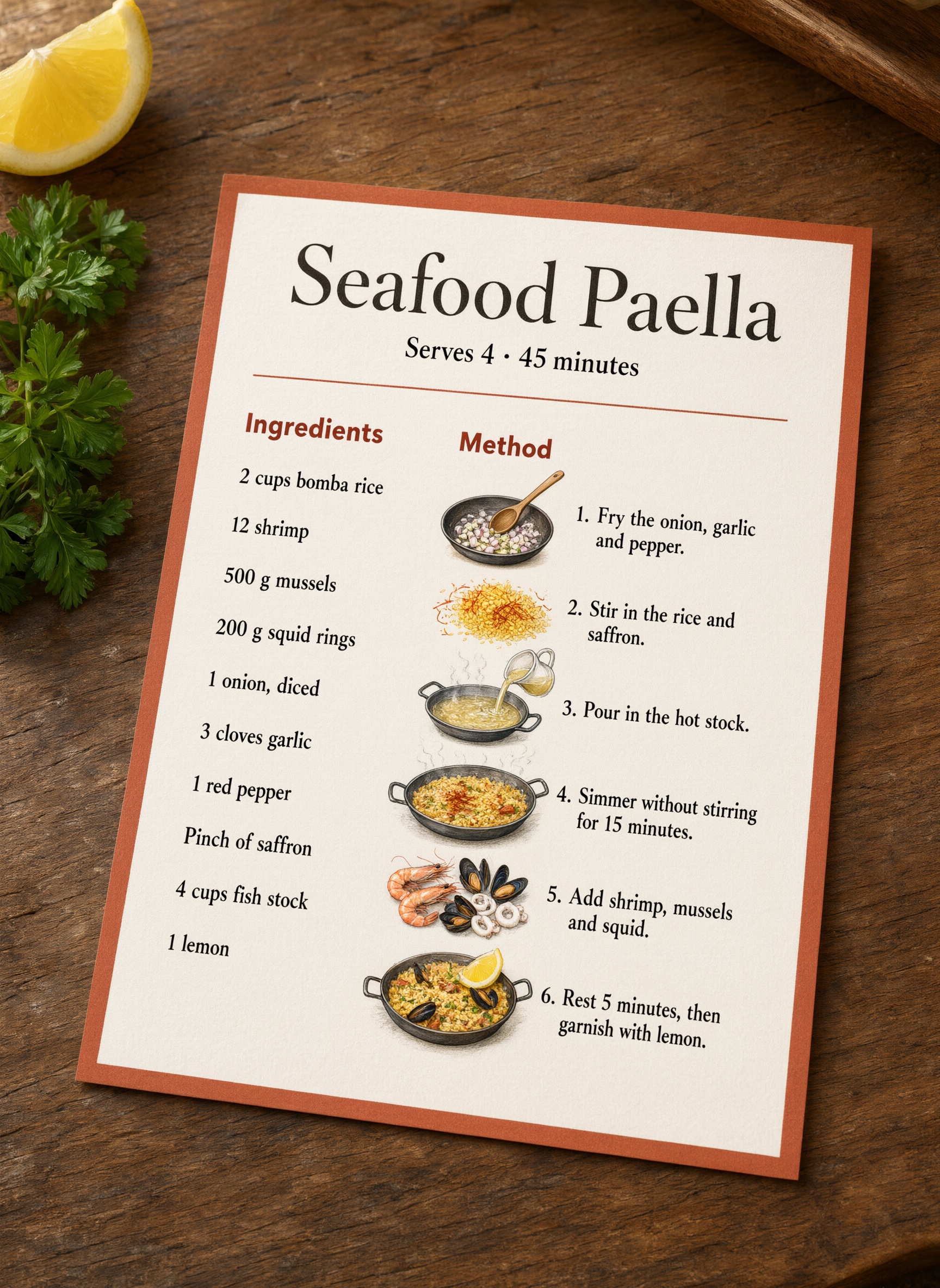
A handful of real prompts and their outputs.
Ready to build with Qwen Image 3.0 Pro?
Try Qwen Image 3.0 Pro in the Workbench to prompt it, compare outputs, and iterate on prompts without writing any code. When you're ready to ship, call the same model from our API and build your own apps on top of it.
curl -sSf -X POST https://hub.oxen.ai/api/ai/images/edit \
    -H "Content-Type: application/json" \
    -H "Authorization: Bearer $OXEN_API_KEY" \
    -d '{
  "model": "qwen-image-3-pro",
  "prompt": "A retro travel poster reading \"OXEN\" in bold condensed type, an ox on a mountain ridge at golden hour, clean vector illustration with a balanced layout",
  "aspect_ratio": "auto",
  "resolution": "2K",
  "num_images": 1,
  "enable_prompt_expansion": true,
  "enable_thinking": true,
  "watermark": false
}'Request parameters
Every field Qwen Image 3.0 Pro accepts in the request body. See the API reference for response formats.
https://hub.oxen.ai/api/ai/images/edit| Field | Type | Required | Default | Description |
|---|---|---|---|---|
prompt | string | Yes | — | Text prompt describing the image to generate, or the edit to apply. Up to 4,500 tokens. Use @Image1, @Image2, etc. to reference the input images. |
input_image | array<string>nullable | No | — | Optional input images to edit or combine. The output keeps the aspect ratio of the last image unless an aspect ratio is chosen. Reference them in the prompt as @Image1, @Image2, etc. Up to 3 images. |
aspect_ratio | string | No | "auto" | auto16:99:161:14:33:4 |
resolution | string | No | "2K" | 1K2K |
num_images | integer | No | 1 | Number of images to generate, 1 to 6. Only the first is returned; all are billed. Range: 1 – 6 |
enable_prompt_expansion | boolean | No | true | Let the model rewrite the prompt with more detail before rendering. Turn off for tighter control over the wording. |
enable_thinking | boolean | No | true | Reason about the prompt before rendering. Improves quality on complex layouts and long prompts at the cost of generation time. Requires prompt expansion. |
negative_prompt | string | No | — | What to keep out of the image. |
seed | integernullable | No | — | Seed for reproducible generation, 0 to 2147483647. |
watermark | boolean | No | false | Add an AI-generated watermark in the bottom-right corner. |